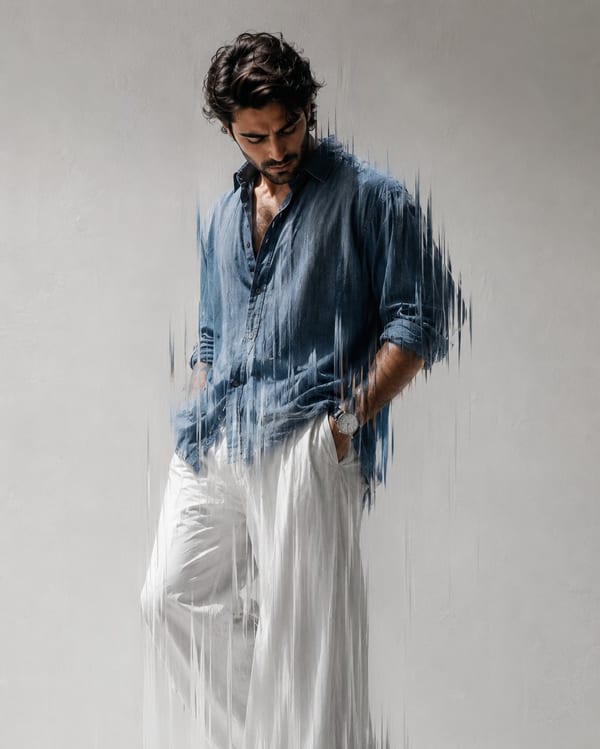
Glitch motion-blur editorial fashion portrait
High-contrast glitch effect with motion blur on a fashion editorial portrait. GPT Image 2 handles complex visual effects and typography overlays with ease.
Create stunning AI-generated images in seconds · Free AI Image Generator powered by OpenAI's most advanced GPT Image 2 model. No credit card required.
The generator loads when this section comes into view, keeping the mobile landing page fast while preserving the full workflow.
Real images generated with GPT Image 2 by creators around the world. Portraits, posters, fashion editorials, travel photography, and more — all from text prompts.
High-contrast glitch effect with motion blur on a fashion editorial portrait. GPT Image 2 handles complex visual effects and typography overlays with ease.
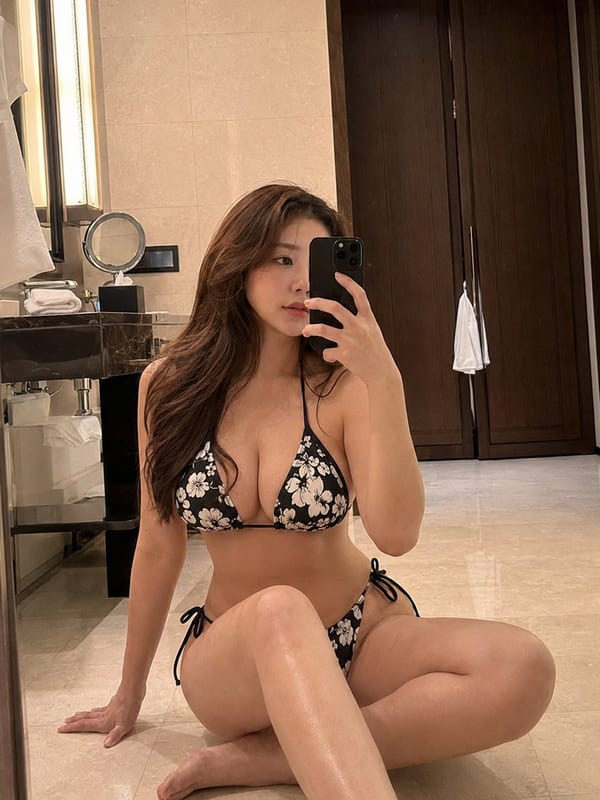
Photorealistic mirror selfie in a luxury hotel bathroom. Natural lighting, accurate reflections, and true-to-life skin texture.
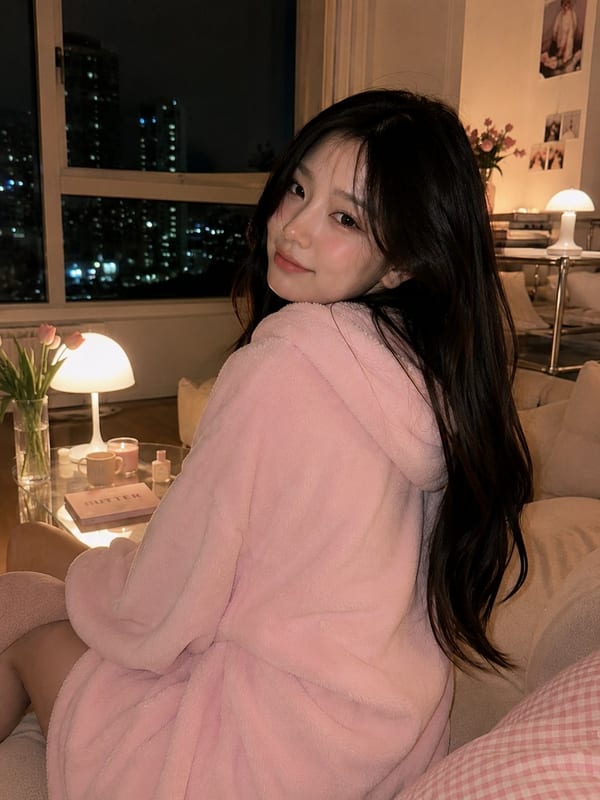
Warm, photorealistic lifestyle portrait in a cozy Korean-style living room. Perfect ambient lighting and natural scene composition.
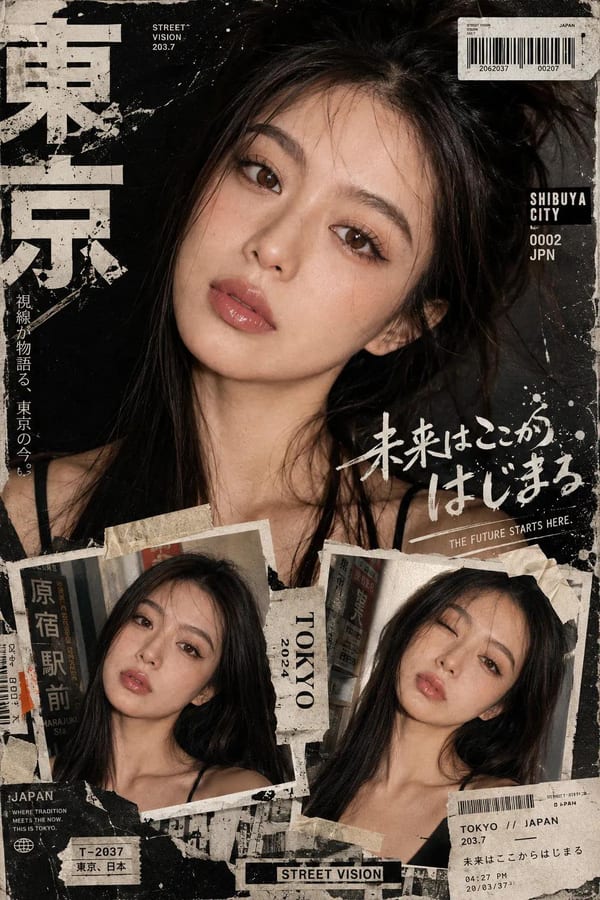
Bold Y2K aesthetic Tokyo street-style editorial collage with mixed typography and layered visual elements. GPT Image 2's text rendering makes every label crisp.
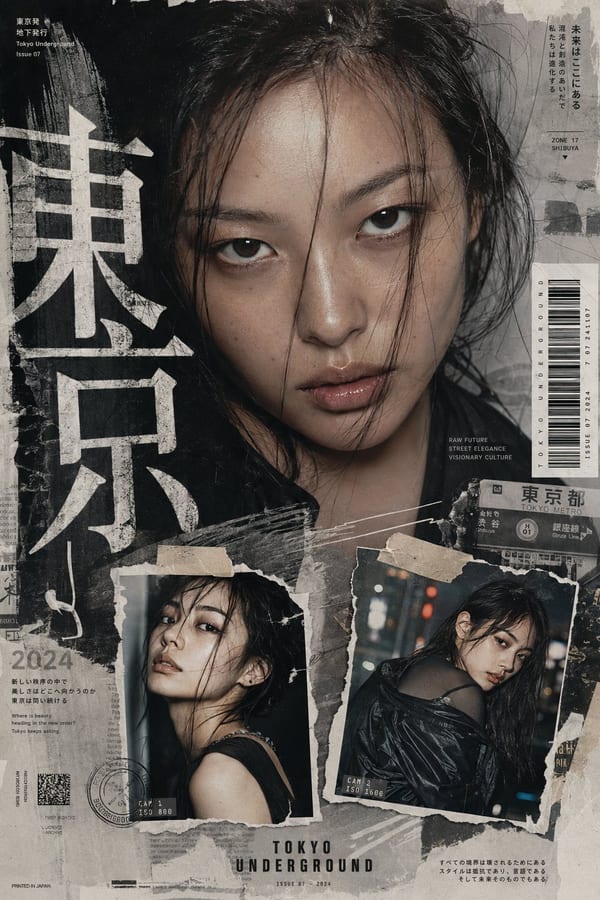
Tokyo neo-Y2K fashion zine-style collage with film grain, layered text, and editorial composition. Demonstrates GPT Image 2's world-knowledge of fashion aesthetics.
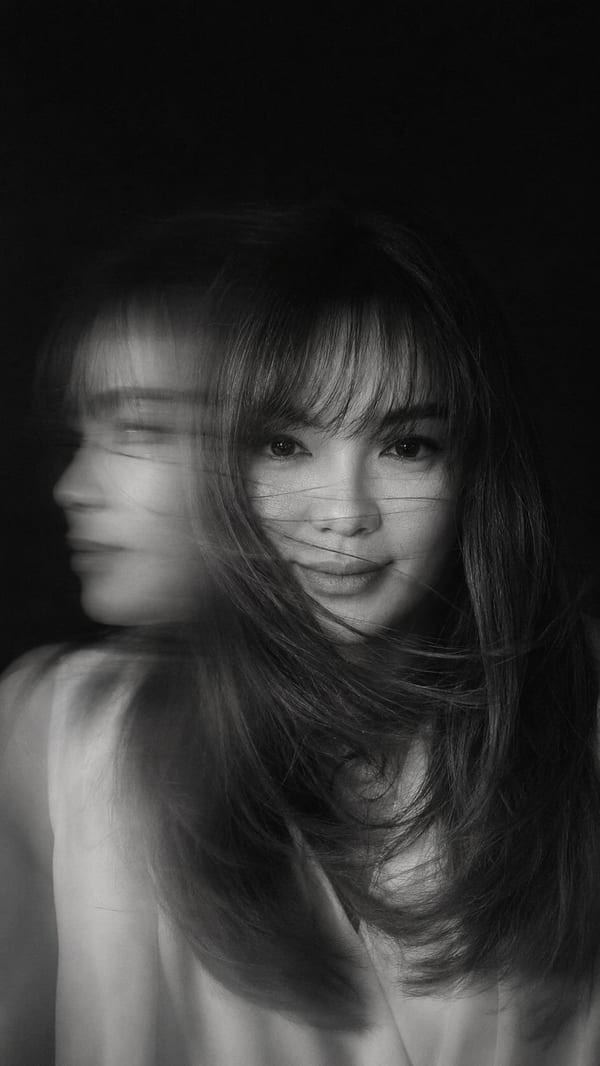
Cinematic black-and-white motion blur portrait with dramatic contrast and high detail. GPT Image 2 handles monochrome photorealism without a warm color cast.
GPT Image 2 is not just a sharper brush — it's a model that reads your prompt like an art director and renders like a production studio. Built on GPT architecture with native world knowledge.
99%+ text rendering accuracy across English, Chinese, Japanese, Arabic, Cyrillic, and more. Signs, labels, UI screens, posters, and receipts come out legible — no Photoshop cleanup required.
Natural skin textures, accurate lighting physics, realistic material rendering, and zero uncanny valley effect. GPT Image 2 output looks like it came from a professional camera.
Previous models added a warm yellow tint to generated images. GPT Image 2 eliminates this completely. Colors are rendered with true-to-life accuracy for brand work and print.
GPT Image 2 is the first agentic image model — before generating, it researches, plans, and self-checks. In Thinking Mode, it can search the web in real time to verify facts, reference current events, and accurately render branded content. It also draws on built-in world knowledge for accurate clocks, real coastlines, correct product labels, and physically plausible scenes.
Describe what you want changed and the model adjusts while preserving everything else. Move objects, change colors, add text, remove elements — through natural conversation.
Generate images at up to 4096×4096 natively. No upscaling pipelines needed. Widescreen 16:9, vertical 9:16, and square 1:1 ratios all supported out of the box.
Pay for what you use. Each credit generates one AI image — portrait, poster, product shot, UI mockup, or any style. Start free, upgrade when you need more.
Test the tool and generate your first AI images.
Pay once. Get 20 GPT Image 2 images to test and evaluate output quality.
Get StarterFor creators and professionals generating a large image batch.
Pay once. Generate 300 images at full quality. Priority queue access included.
Get CreatorFor agencies and teams with high-volume image generation needs.
Pay once. Generate 3,000 professional AI images over a full year.
Get ProEverything you need to know about GPT Image 2 — the model, how to use it, what it can create, and how it compares to other AI image generators.
GPT Image 2 (model ID: gpt-image-2) is OpenAI's second-generation natively multimodal AI image model, launched April 21, 2026. Built on autoregressive GPT architecture rather than diffusion, it features ~99% multilingual text rendering accuracy, true photorealism with no warm color cast, support for up to 16 reference images, resolutions up to 4K, Thinking Mode, and multi-turn conversational editing.
Yes. New accounts receive free credits to generate images with GPT Image 2 — no credit card required. Free credits are enough to test the model and evaluate output quality before subscribing to a paid plan.
GPT Image 2 replaces DALL-E 3 with major upgrades: built-in Thinking Mode (reasoning before generating), ~99% accurate multilingual text rendering including CJK and Arabic scripts, support for up to 16 reference images, native resolutions up to 4K, elimination of the warm color cast, and multi-turn context-aware editing. DALL-E 3 has been scheduled for retirement by OpenAI.
Thinking Mode is a built-in reasoning step where GPT Image 2 plans the layout, references visual knowledge if needed, and self-checks outputs before generating the final image. It improves quality on complex prompts — particularly useful for multilingual posters, infographics, and scenes requiring accurate world knowledge.
GPT Image 2 handles a wide range: photorealistic portraits and product photography; multilingual posters and print-ready typography; UI mockups and app screen designs; brand identity and visual systems; infographics and scientific diagrams; character design and illustration; comic panels; fashion editorials; ad creatives; and more.
GPT Image 2 leads in text rendering accuracy, photorealism, world-knowledge reasoning, and conversational editing. Midjourney excels at artistic style variety and stylized aesthetic output. For professional workflows requiring readable text in images, accurate colors, and photorealistic output — GPT Image 2 is the stronger choice.
Generated images are available for commercial use including marketing materials, product pages, brand assets, social media, and advertising. Review the Terms of Service for full usage rights. Always verify that generated images accurately represent any products, people, or claims before publishing commercially.
Yes. GPT Image 2 accepts up to 16 reference images as input for style transfer, image editing, character consistency, and product restaging. Upload a sketch, product shot, or character sheet to lock style, pose, or brand identity.
GPT Image 2 supports 1K, 2K, and 4K output resolutions (up to 4096×4096 natively). Supported aspect ratios include square (1:1), widescreen (16:9), and vertical (9:16). No external upscaling pipeline needed — the model generates at native resolution.
GPT Image 2 is available through the OpenAI API using the model ID gpt-image-2. The API supports text-to-image and image-editing endpoints with parameters for size, quality, and number of images. See the API guide for full documentation, Python and JavaScript code examples, and cost optimization tips.
Join thousands of creators, designers, and marketers using GPT Image 2 to produce photorealistic visuals with razor-sharp text rendering, true color accuracy, and world knowledge. Try free — no credit card required.