
GPT Image 2 Background Generator
Generate any background from a text prompt or replace an existing one — studio white, lifestyle interior, outdoor landscape, and branded scenes. No masking required.
Background Styles You Can Generate
GPT Image 2 generates any background environment from a text description — interior rooms, outdoor scenes, abstract gradients, studio setups, and more.
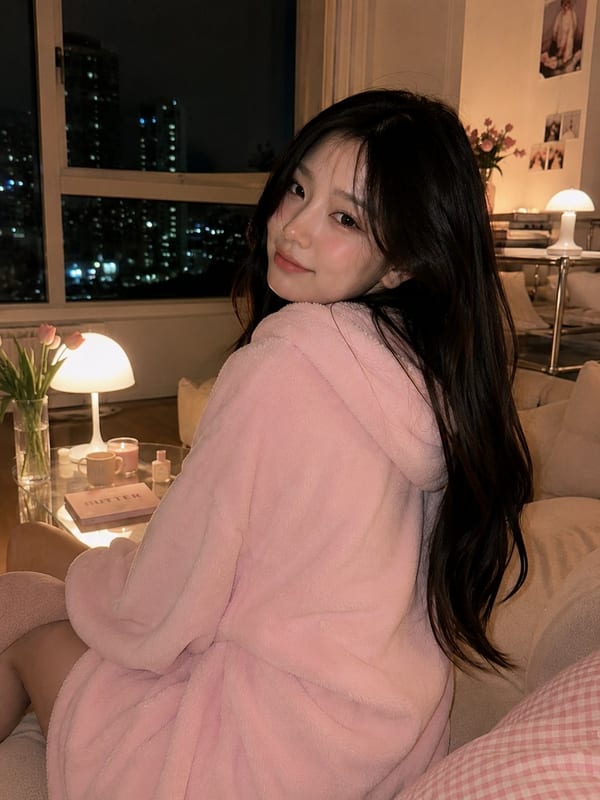
Cozy Korean living room
Warm interior lifestyle background with soft ambient lighting. Perfect for home goods, furniture, and lifestyle product photography.
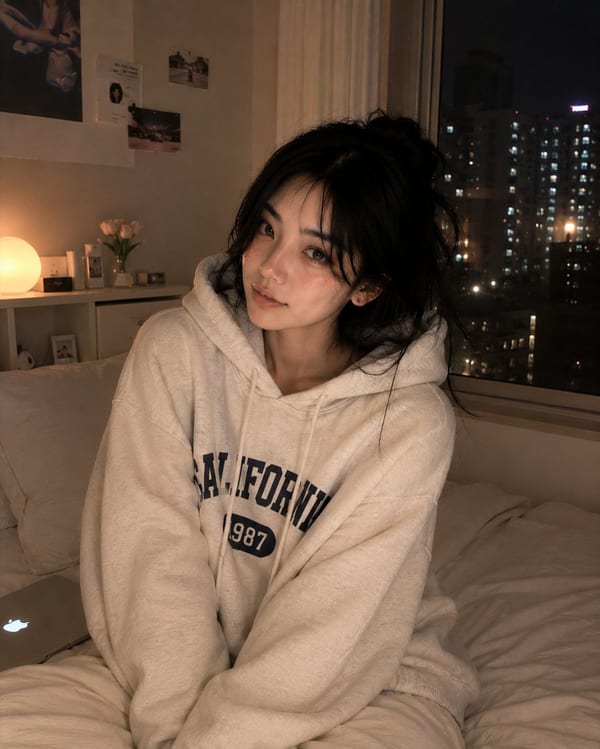
Night bedroom scene
Moody night bedroom interior with warm lamp lighting. Great for bedding, apparel, and lifestyle brands.
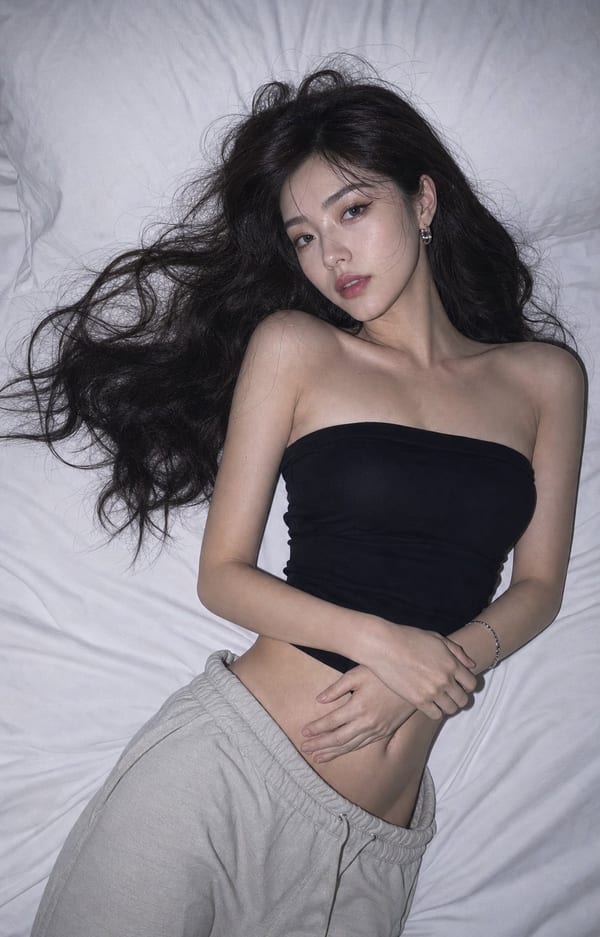
Studio overhead flash
High-key studio setup with direct overhead flash. Clean and editorial — works for any product or portrait shoot.
Y2K editorial collage
Bold collage background with mixed typography and layered visual elements. Ideal for brand campaigns and social media.
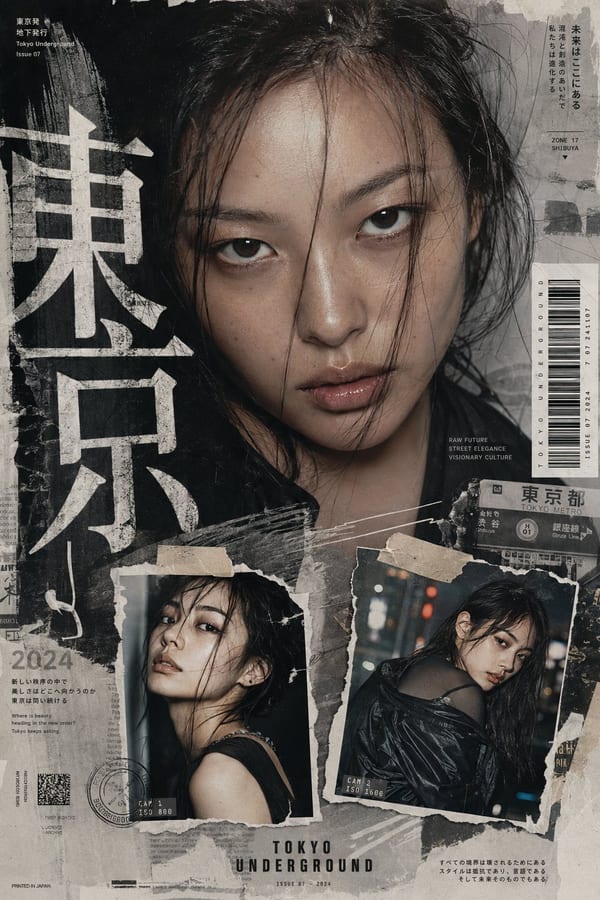
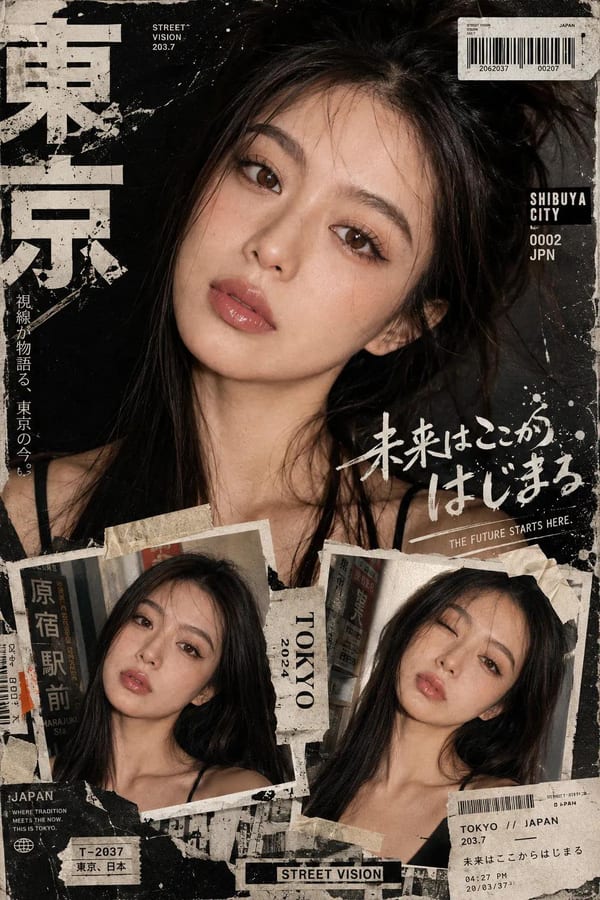
Fashion zine editorial
Tokyo neo-Y2K zine-style background with film grain and layered texture. Rich visual context for fashion editorials.
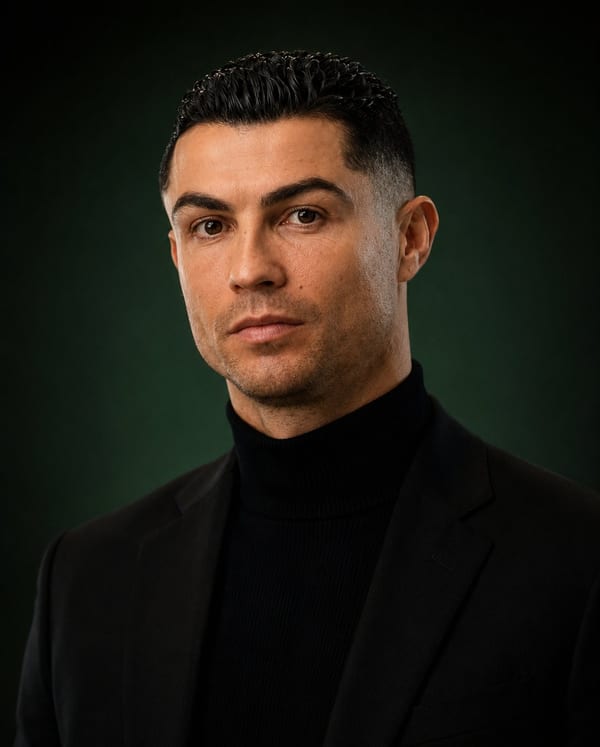
Dark luxury studio
Deep black luxury studio background with subtle gradient lighting. Premium look for watches, perfume, and high-end products.
Background Generation and Replacement
GPT Image 2 understands scene context, lighting physics, and perspective — generating backgrounds that look like they belong with the subject.
Generate any scene from text
Describe any background environment in plain language — studio, outdoor, interior, abstract, or branded. GPT Image 2 renders it with accurate lighting and depth.
Seamless background replacement
Upload a photo and describe the new background. GPT Image 2 replaces the environment while preserving the subject, lighting direction, and shadow consistency.
Perspective and depth accuracy
GPT Image 2's world-knowledge reasoning ensures floor lines, horizon levels, and depth-of-field blur match the subject's apparent distance and lens focal length.
Consistent lighting
When you describe a background lighting setup, GPT Image 2 adjusts ambient light on the subject to match — no mismatched shadows or color temperature.
Multiple aspect ratios
Generate backgrounds at square 1:1, widescreen 16:9, or vertical 9:16. Up to 4K native resolution for print-ready output.
Multi-turn editing
Describe changes conversationally — 'make the background darker', 'add snow', 'change the wall to brick'. GPT Image 2 adjusts without losing the rest of the scene.
Background Generator FAQ
Common questions about using GPT Image 2 to generate and replace backgrounds.
Can GPT Image 2 generate a background from scratch?
Yes. Describe any background environment — interior room, outdoor landscape, studio setup, or abstract gradient — and GPT Image 2 generates it as a standalone image or as context for a subject.
Can I replace the background of an existing photo?
Yes. Upload your photo and describe the background you want. GPT Image 2 replaces the background while preserving the subject. No manual selection or masking is required.
Does the lighting match when backgrounds are replaced?
GPT Image 2 reasons about scene context and adjusts ambient lighting on the subject to match the new background's light source direction and color temperature. Results look natural without manual compositing.
What background styles can GPT Image 2 generate?
Studio setups (white, grey, gradient), lifestyle interiors (kitchen, bedroom, office), outdoor environments (park, beach, urban street), abstract and branded backgrounds, and any custom scene described in plain language.
What resolutions are available?
GPT Image 2 generates backgrounds at up to 4096×4096 (4K) natively. Square (1:1), widescreen (16:9), and vertical (9:16) aspect ratios are supported.
Can I iterate on the background through conversation?
Yes. GPT Image 2 supports multi-turn conversational editing. Describe what to change — 'make it darker', 'add morning light', 'remove the window' — and the model adjusts while preserving everything else.
Generate Any Background with GPT Image 2
Studio, lifestyle, outdoor, abstract — any background from a text prompt. No masking, no compositing software. Free trial — no credit card required.